Creating a Workout
Creating a workout is one of the core concepts of the application. Click "Create" to go to the workout creation page.
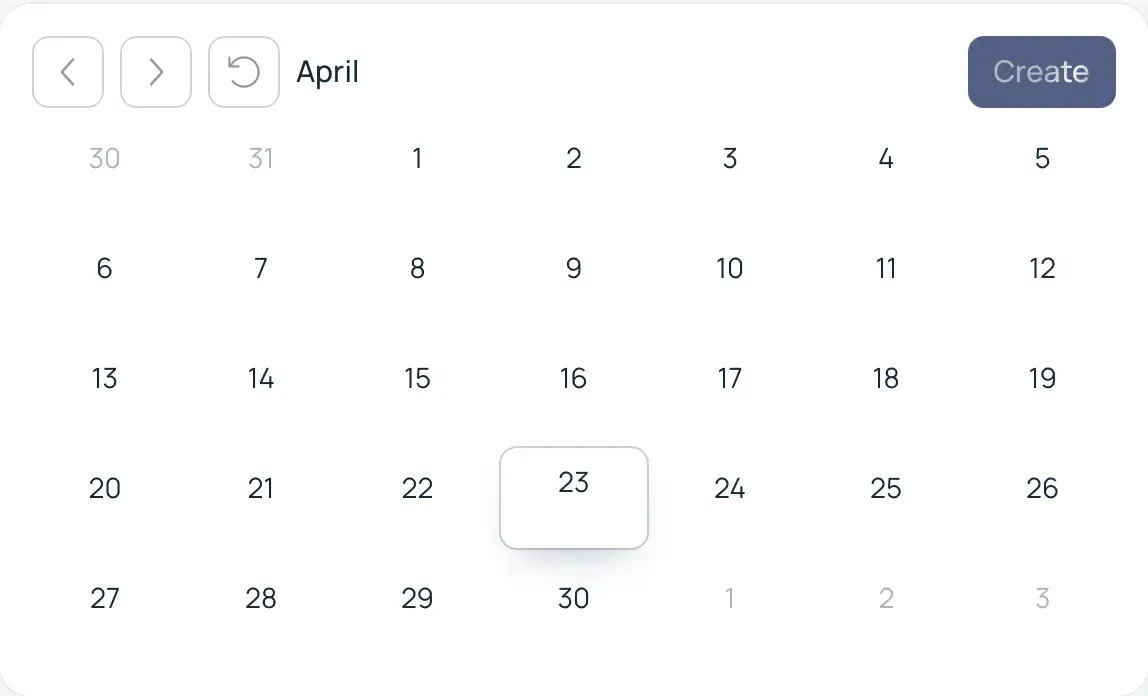
Main Controls
Below are the minimum necessary actions to create a workout.
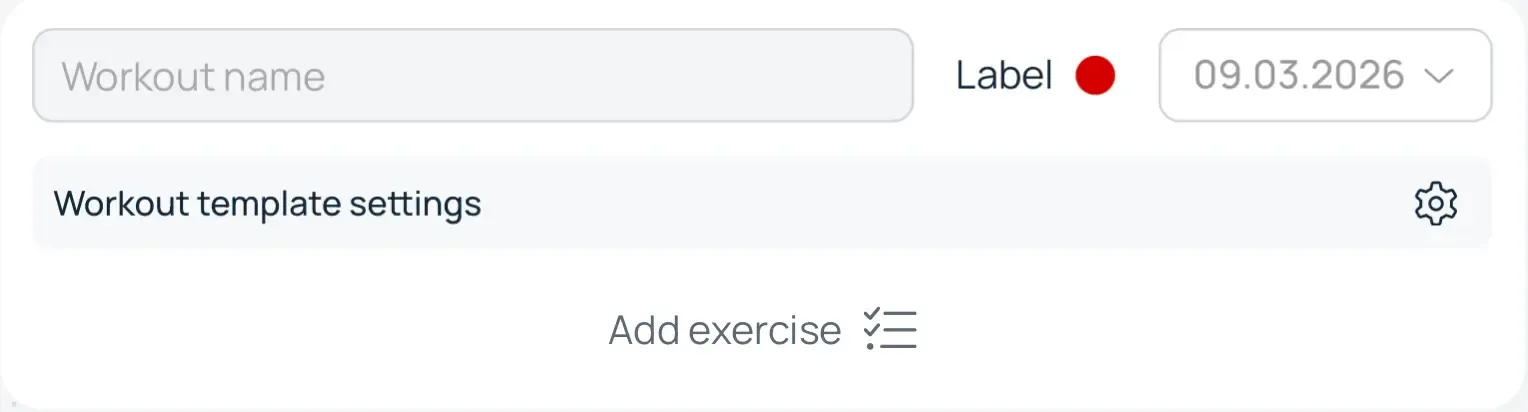
- Enter a workout name
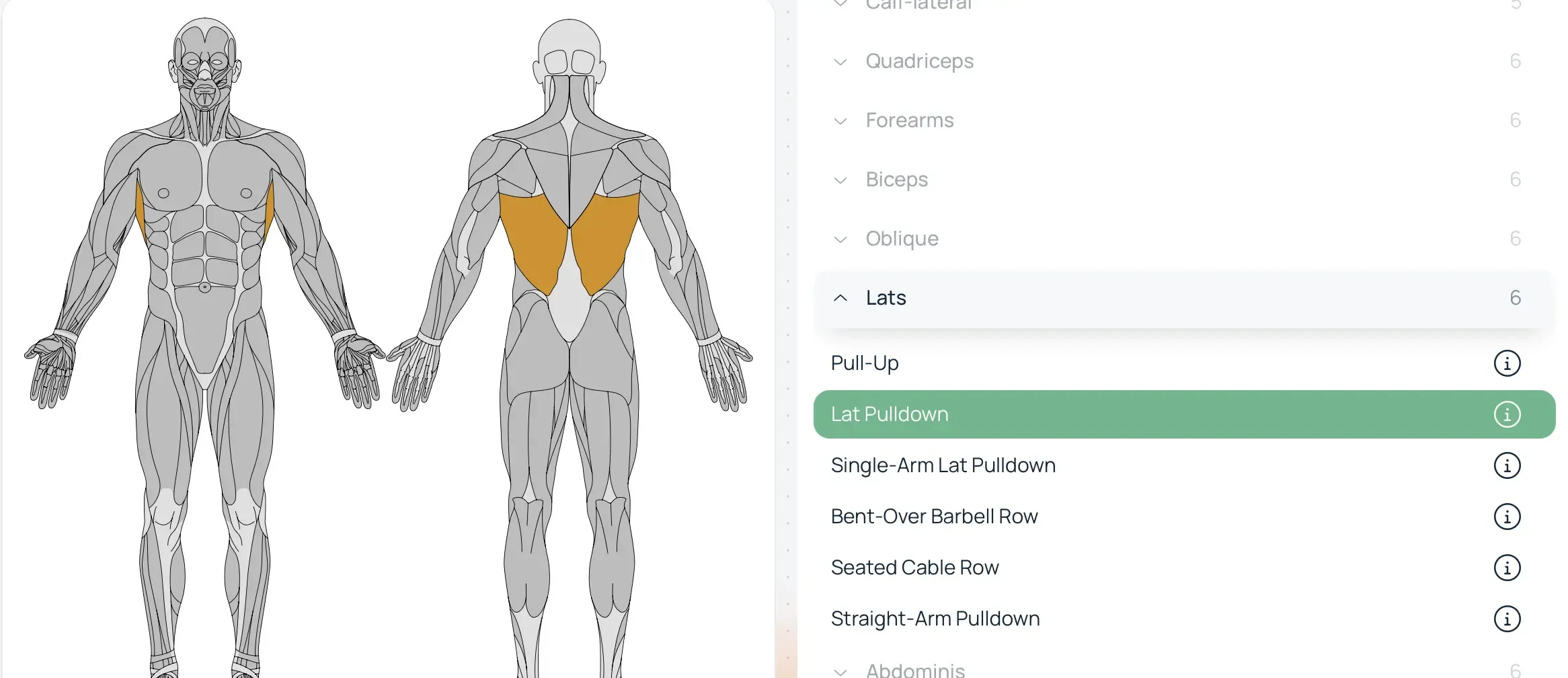
- Select a muscle group by clicking on a part of the atlas or selecting from the menu on the right. Then choose an exercise.
- Add one or more sets with the desired weight and number of repetitions
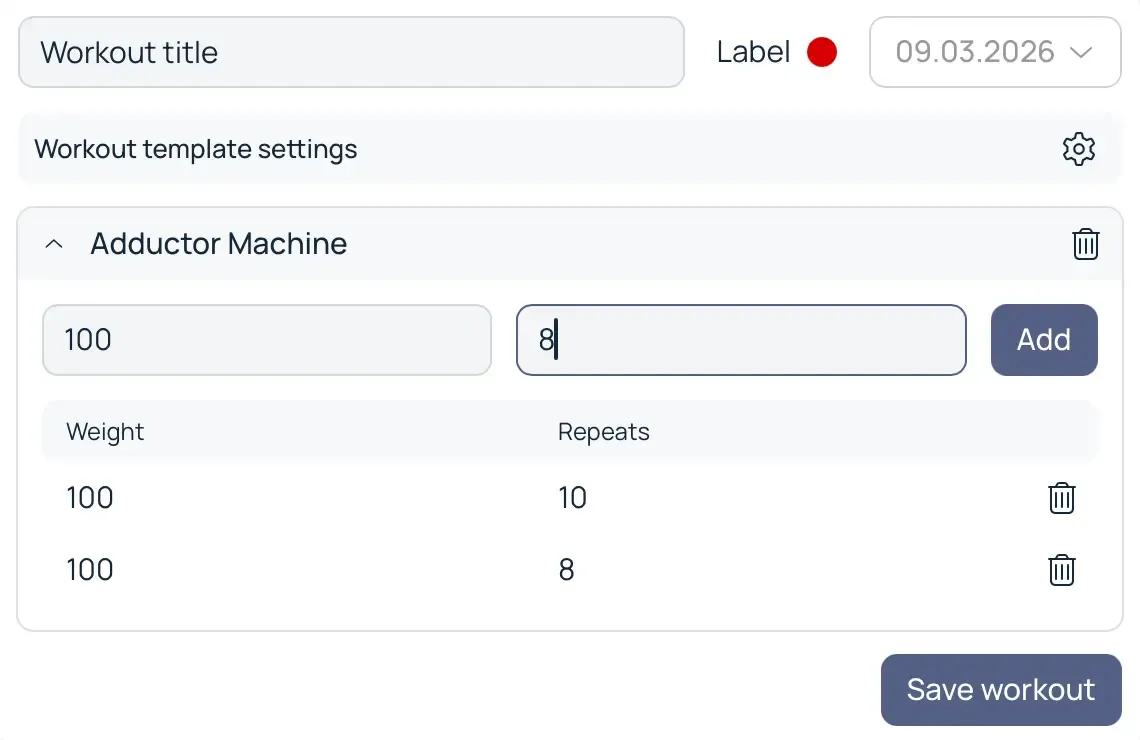
- Click the save workout button, and it will become available for interaction in the calendar on the main page.